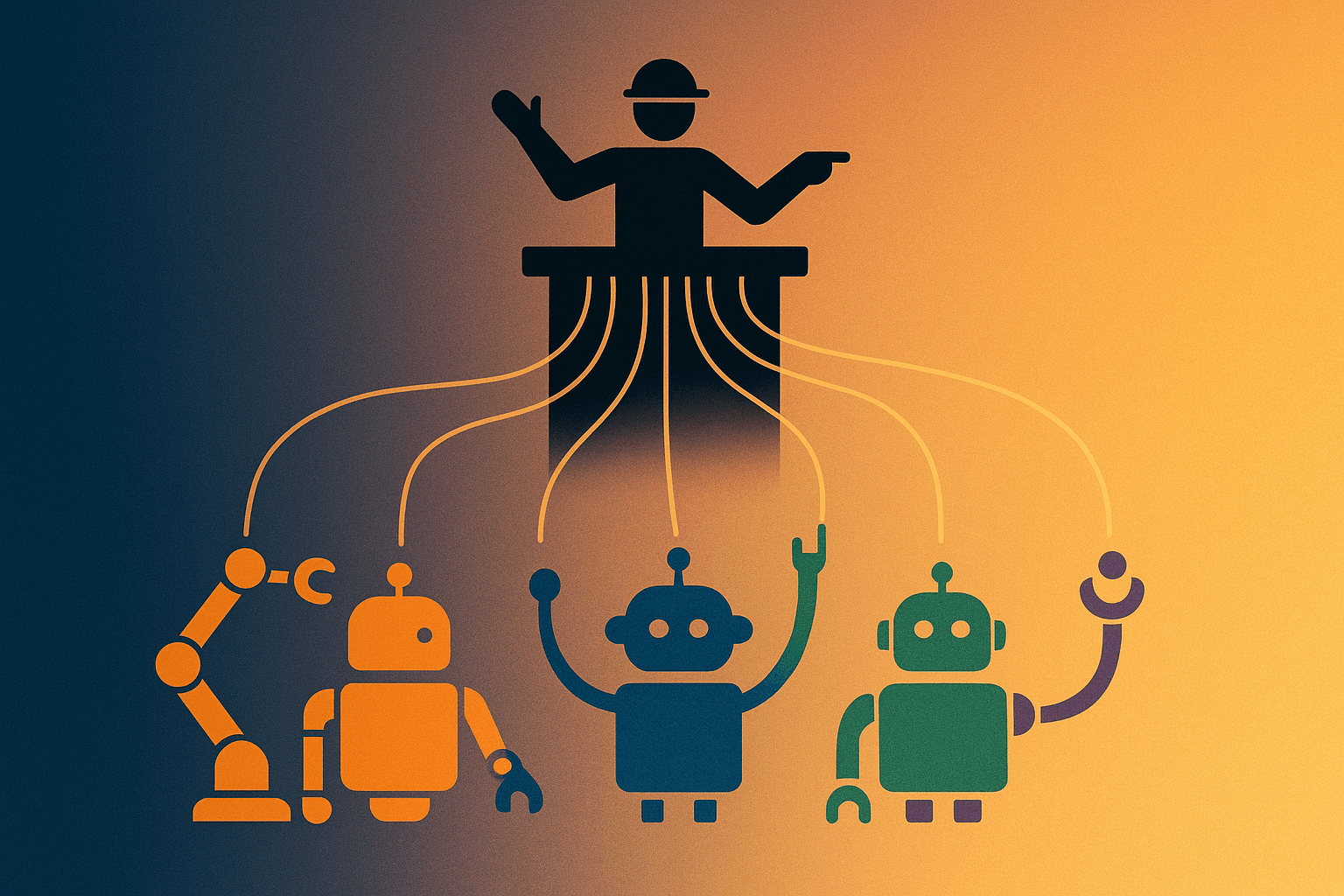
When You Have Four AI Foremen: How My Setup Differs from What Everyone Else Is Doing (And What's Still Broken)
I started using AI coding tools in 2024 — ChatGPT, Cursor, GitHub Copilot, rotating through them. When Claude Code dropped in mid-2025, it gradually became my main control panel. Then I added Codex for long-running tasks, Cursor for specific scenarios, and Kiro for multi-model routing (Kiro is AWS's coding agent that can switch between different model providers).
As of now, I'm running four AI coding agents simultaneously, each with its own config files, its own rules, its own personality.
You might ask: why not just pick one?
Honestly, I've asked myself the same question. The answer is — I tried using just one, but each has a dealbreaker weakness. Claude Code has the best judgment but burns through tokens fast. Codex can run all day unattended but has zero judgment — it'll do exactly what you say, even if it's dumb. Cursor has the best IDE experience but can't run headless. Kiro can switch between models but doesn't understand Claude's instruction format.
So I use all of them. And that's when things got complicated.
What the Industry Does vs. What I Do
I looked around at what people are doing in mid-2026. Roughly three schools of thought:
School 1: Split by "Where You Work"
Someone put together a pretty practical division: Cursor for context-finding, Claude Code for implementation, Codex for review.
The flow is: Cursor finds context → Claude Code implements → Codex reviews → you do final touches in Cursor.
In plain English: "one reads, one writes, one edits."
How I differ: I don't use Cursor as my entry point. I work directly in the terminal because I juggle too many projects to open an IDE for each one. Also I added Kiro to the mix — it's my "night shift operator." More on that later.
School 2: Agentmaxxing (Brute-Force Parallelism)
"Agentmaxxing" = run as many agents in parallel as possible, each on its own task, and you just merge the results. Sounds great, right? But the implementation needs discipline — each agent locked to its own git worktree, clear task boundaries + automated gates, sequential merging, never letting two agents touch the same file.
How I differ: My parallelism is pretty low right now. Most of the time it's one session running start-to-finish, occasionally spawning an independent agent for review. The "three coders writing three modules simultaneously" thing? Haven't gotten there yet — partly because I'm a solo freelancer, partly because my context management isn't good enough to track three parallel threads. This is what I want to improve next.
School 3: Dual Agent Complementary
Some people just say "one for thinking, one for execution" — Claude thinks, Codex does. No messing around with three or four, just two with clear roles.
How I differ: This is closest to my core approach. But I added Kiro and Cursor for edge cases, so my architecture is more complex.
What I Do Differently
1. I Treat Claude Code as a "Foreman," Not a "Worker"
Most people still let Claude Code write code directly. After using it for over a year, I realized Claude's judgment > Claude's execution ability, so I designed it to only plan and verify — never write batch code itself. Code writing gets delegated to other executors.
Sounds clever, right? But the cost is: discipline doesn't automatically transfer to delegates. I write TDD rules into my main config, but the executors that get dispatched can't read that config. So every time I delegate, I have to explicitly write the discipline into the prompt — which is annoying and I frequently forget.
Same as managing people — if the SOP in your head isn't written down and handed over, new hires just won't follow it.
2. I Have an Auto-Sync Mechanism for Rules
The industry advice is usually "put each tool's config file in the repo, let each tool read its own." I found maintaining multiple copies annoying, so I designed a single SOT (source of truth) + automatic inheritance:
- One master config is the SOT
- Other tools' configs point to it (no copying)
- Some use wildcard globs to automatically pick up new rules
This does save maintenance effort, but honestly it drifts sometimes — especially since each tool has different hook formats. Change one side, forget the other side needs adjusting too. Same as any DRY architecture: the abstraction layer eliminates duplication but adds "wait, is this actually taking effect?" debugging cost.
3. I Let the AI Self-Reflect at Night
This one I haven't seen anyone else do. Most people's AI only moves when you tell it to. I set up a schedule for the AI to run "self-reflection" headless at night — scanning records of my corrections and auto-updating its behavior rules.
Sounds cool, but I literally built this this week and it hasn't run once yet. Probably going to have a bunch of problems. This is the kind of thing that feels perfect during design and only reveals its broken parts when you actually run it.
What's Still Broken (Self-Critique)
I'm not going to pretend this system is polished. A few things I'm still figuring out:
1. The Boundary Between "Keep Going" and "Stop and Ask"
I've been annoyed to death by my own AI — it stops after every step to ask "should I continue?" Even for low-risk stuff (running a test, syncing a file), it still stops. I added a rule: "don't stop for low-risk reversible steps." But will this actually work going forward? It relies on the LLM's reasoning, not a hard guard.
What I want: AI that decides on its own when to ask and when to just do it. Like an experienced assistant who doesn't confirm every little thing but absolutely checks before anything that actually matters. This takes time to calibrate — same as onboarding a new hire.
2. The "Decontextualization" of Subagents
This week I hit a bug: I wrote a script, then ran tests to verify it myself. Tests all green. But then I used an independent agent (without my context) to run the same tests — it found 2 FAILs.
The reason: my main session knew the correct answers (I'd just written the script), so my "verification" was actually confirmation bias — I unconsciously worked around the bug because I "knew how it was supposed to work."
3. Context Budget Explosion
My config file footprint is massive. Every session starts at the edge of the context window. Industry advice is "load different context per agent" — each role only loads the rules it needs, don't try to carry everything.
I'm currently using one catch-all agent for everything. Next step should be splitting into specialist agents. But that's a major refactor, not a one-day job.
4. Habits Take Time to Change
The hardest part isn't configuring tools, it's changing your own habits. I default to doing everything in the same session, seeing results before believing, checking everything myself. These habits are being adjusted over 1.5 years and still shifting. If you're just starting out, don't rush it.
Questions for You
What's your biggest pain point right now? — Find the pain first, then design. Don't design first and then look for problems.
How much "loss of control" can you tolerate? — Letting AI run at night by itself, modify its own rules — are you OK with that?
Final Thoughts
The thing I most want to know is: how do you decide when to trust AI's judgment and when to step in yourself?
Because I think that's the real core question here. Not which tools to pick — it's about building trust. And trust, same as with people, takes getting burned a few times and getting pleasantly surprised a few times before you slowly calibrate your own dial.